Project
Design Systems
A design system built from scratch working with engineers to bring it into code, giving product teams the components to build with. Products ship faster and more consistently.
Overview
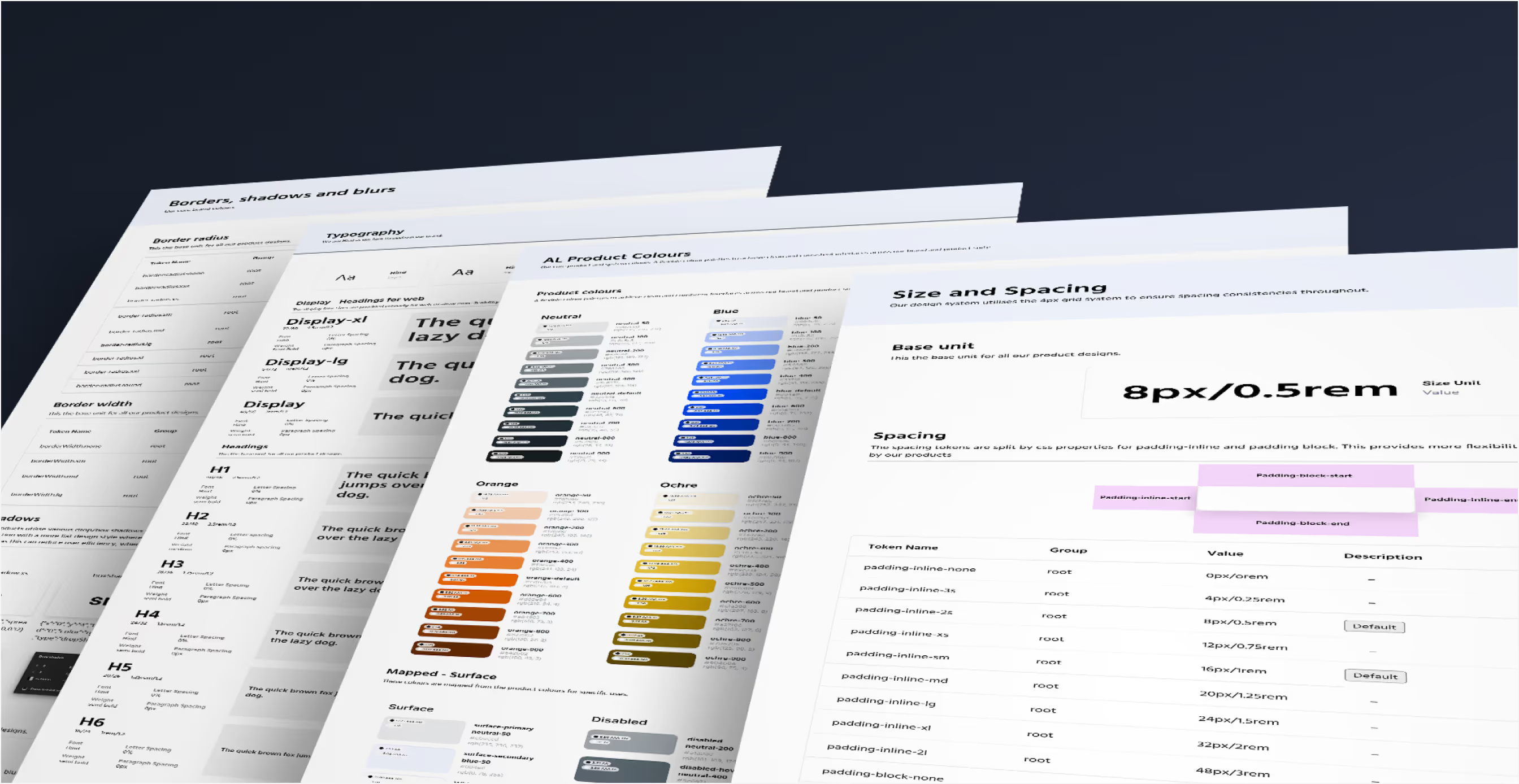
As the product portfolio grew, consistency broke down. Colours drifted, components were duplicated and teams rebuilt the same patterns again and again. This slowed delivery and made accessibility harder to guarantee.
Every team needed one system they could rely on.
Challenge
A design system is more than a component library. The products serve healthcare and public sector users, so the system had to handle complex states and meet NHS and GOV.UK accessibility standards.
It also had to work in code. A Figma library on its own is not a single source of truth. If the code drifts from the design, the inconsistency just moves into production.

Role
The system was designed in Figma from scratch. When engineering started building it as a coded library, the design role shifted to keeping design and code aligned. Responsibilities:
- Defining every component, its variants and how it should be used
- Agreeing with engineers how each design maps to properties in code
- Reviewing every component in Storybook against the design before release
- Setting priorities for what the system covers next
Designing the foundations
Started by auditing existing interfaces to find overlaps and gaps. From there I built:
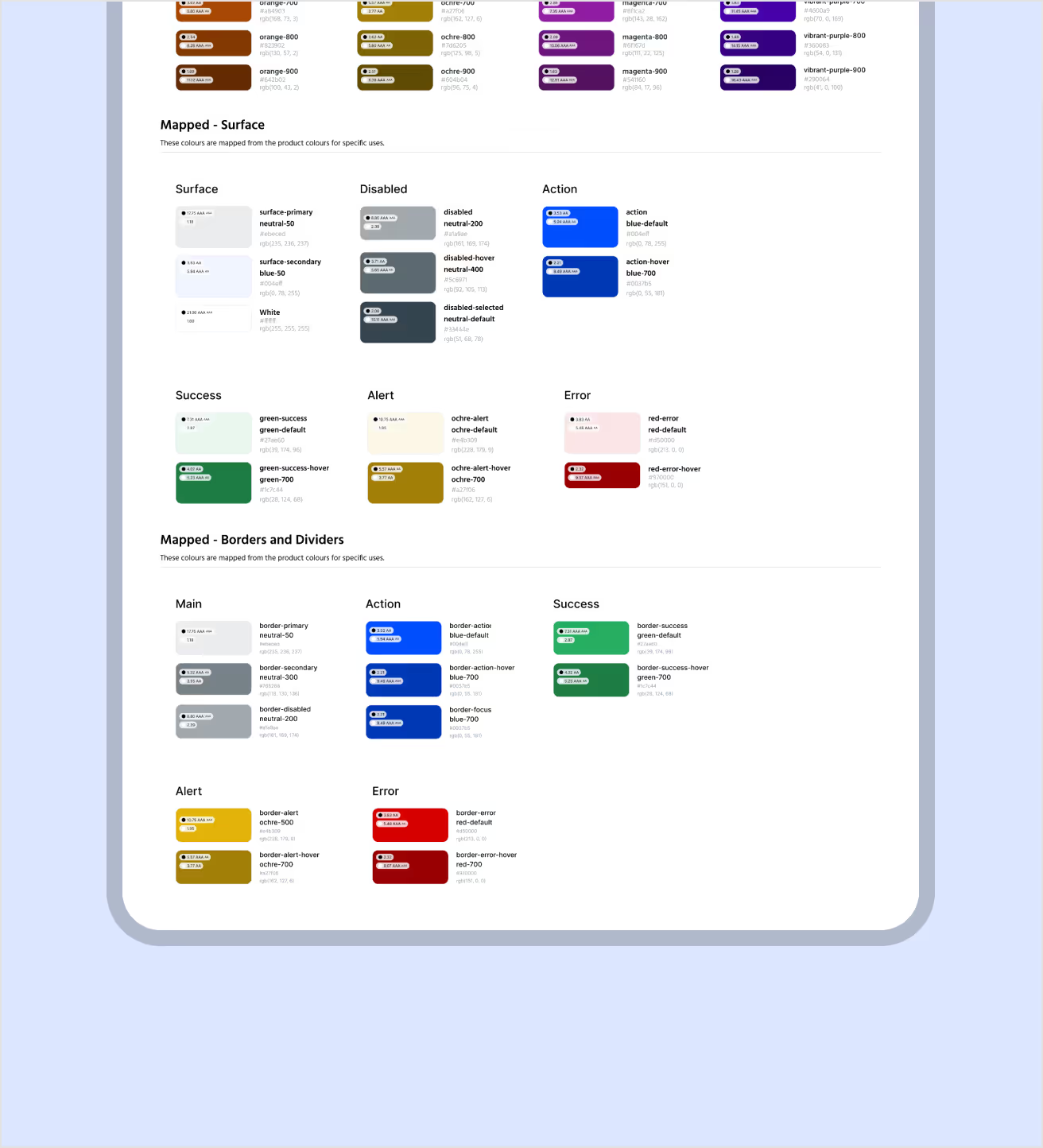
- Tokens and variables: surface, action and status colours that work in light and dark modes
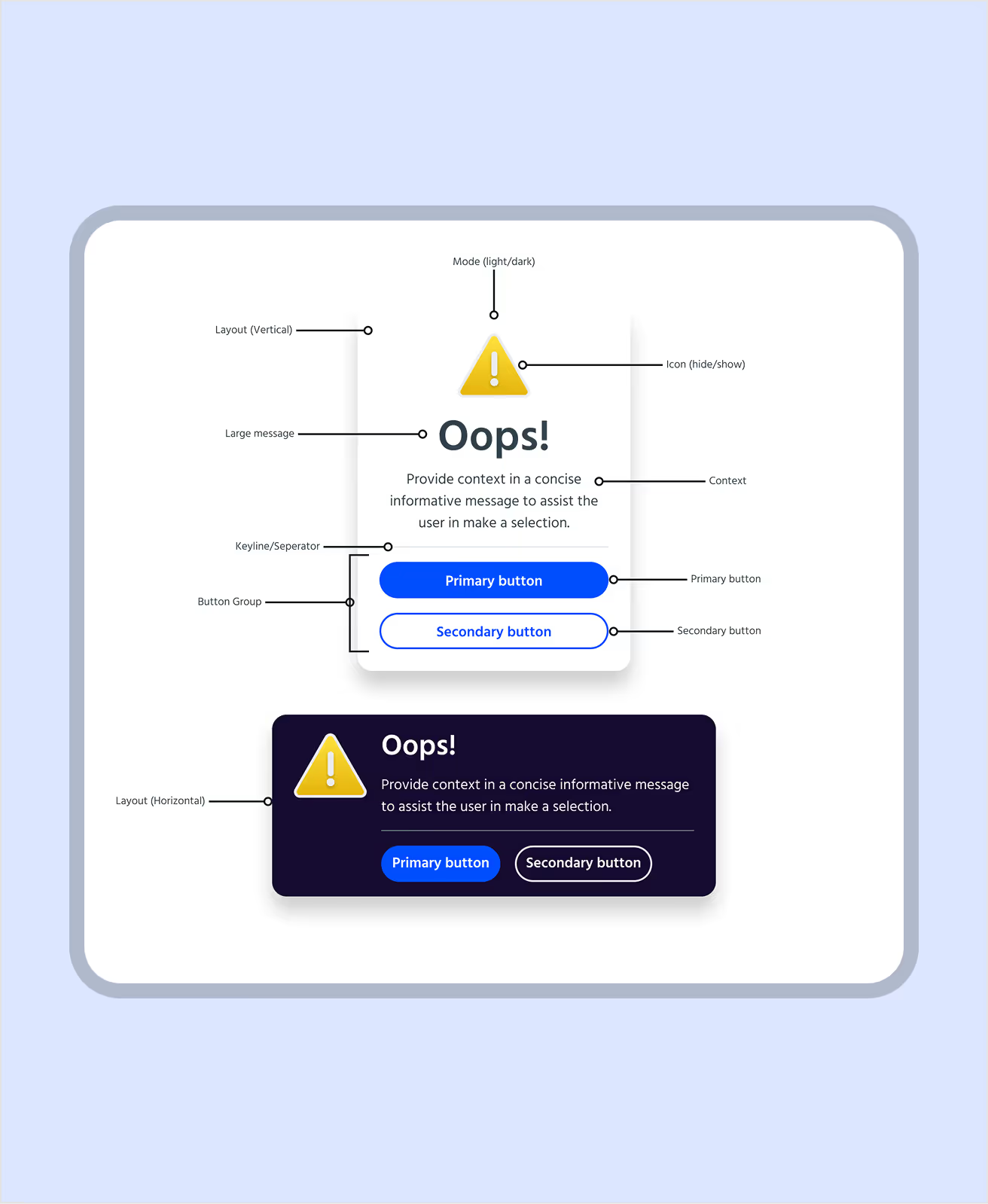
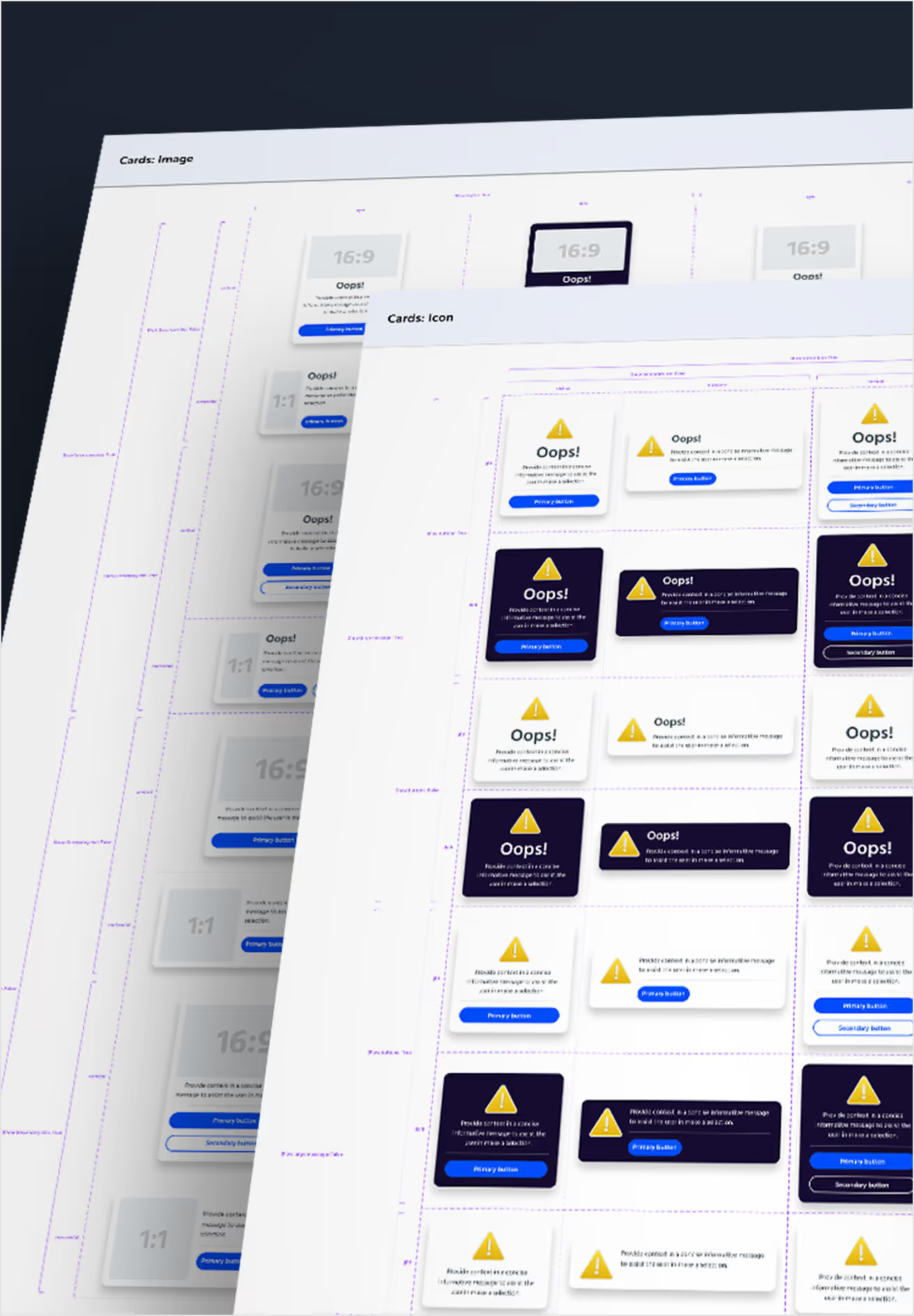
- Components: modular components with property controls that allow flexibility without breaking consistency
- Accessibility: contrast and behaviour that meet WCAG, built into every component
- Guidance: versioned documentation for each component, covering structure, usage and accessibility
From Figma to code
Engineering built the system as a React library and documented it in Storybook. Storybook gives every component a live page where teams can try each state, copy the code and check accessibility.
Each component is a close collaboration between design and engineering. Its properties are agreed together so the code matches the design. Every component is then reviewed in Storybook, with each state, size and interaction checked before it ships.
The Alert component is a good example. It has the same 4 severities in Figma and in code: info, success, warning and error. When a designer and a developer talk about an Alert, they mean the same thing.

In the product
The system now powers real product screens, including dashboards, a pipeline designer and settings pages. They are built entirely from system components, so teams can see how the parts work together as well as one by one.
The results
- 44 components and over 300 documented states in code
- One shared language across design and engineering
- Faster design reviews and smoother handovers
- Automated accessibility checks on every component
What’s next
Moving the system into code showed where it needs to grow. I’m now working with engineering to:
- publish colour, type and spacing foundations in Storybook
- share design tokens between Figma and code
- link every coded component to its Figma source
- bring dark mode from Figma into the coded themes
- add usage and accessibility guidance to every component page
- create contribution and versioning guidance so more teams can adopt the system
Deliverables
Tokens and variables guide
Figma component library
Visual style guide
Usage and accessibility standards
Design review process for coded components
Versioning and governance
Tools